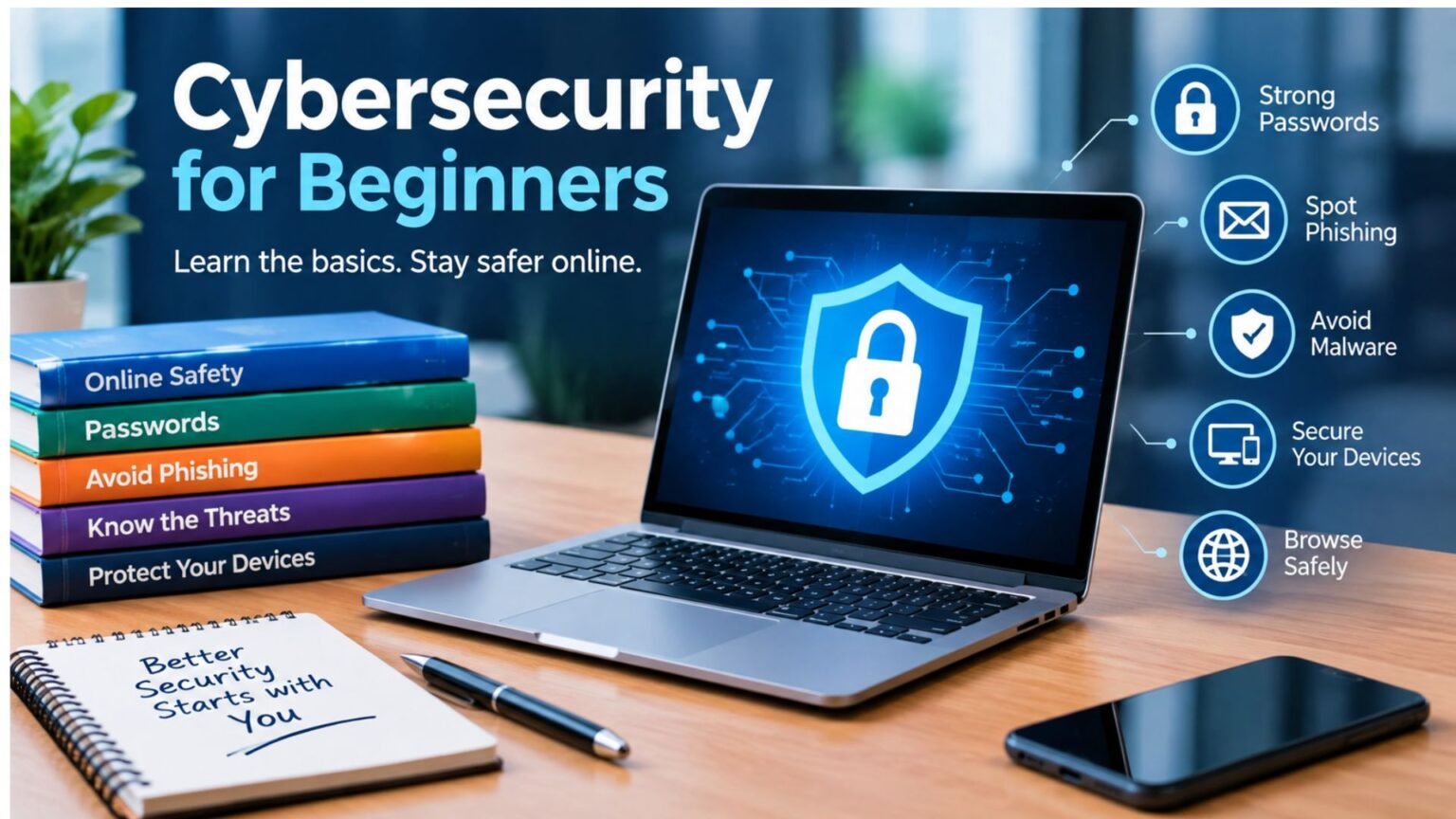
A good cybersecurity for beginners pdf should do more than define technical terms. It should help new users understand common threats and build safer habits without requiring an IT background. Cybersecurity involves protecting devices, networks, accounts, and information from unauthorized access, misuse, or disruption. CISA describes cybersecurity in similar terms and emphasizes practical basics such as multi-factor authentication, secure passwords, and recognizing phishing attempts.
For students, employees, small-business owners, and everyday internet users, the best starting point is not advanced hacking techniques. It is learning how attacks happen, what information criminals target, and which simple protections make a meaningful difference.
What Should a Cybersecurity for Beginners PDF Teach?
A useful cybersecurity for beginners pdf should explain fundamental concepts in plain language. Readers should understand threats such as phishing, malware, ransomware, credential theft, social engineering, and unauthorized account access.
It should also introduce basic security controls. These include strong and unique passwords, multi-factor authentication (MFA), software updates, secure Wi-Fi, device protection, backups, and cautious handling of links and attachments.
NIST’s introductory information-security guidance presents security as a combination of protecting information and systems while considering security requirements, controls, and risk management.
The goal is not to make beginners cybersecurity experts overnight. It is to give them enough knowledge to recognize risky situations and make better decisions.
Cybersecurity Basics Every Beginner Should Know
1. Use Strong, Unique Passwords
Password reuse creates a major problem. If one service suffers a breach and the same password is used elsewhere, attackers may attempt to use those credentials on other accounts.
The Federal Trade Commission recommends creating long passwords or passphrases and avoiding predictable information. A password manager can also generate and store unique credentials, reducing the temptation to reuse passwords.
Your email deserves particular attention because password-reset messages for other services often arrive there. Securing email can therefore help protect several connected accounts.
2. Turn On Multi-Factor Authentication
MFA adds another verification step beyond a password. Depending on the service, that second factor might be an authenticator-app code, security key, biometric check, or one-time code.
The FTC explains that authentication factors generally involve something you know, something you have, or something you are. An authenticator app or security key can provide stronger protection than relying on a password alone.
If MFA is available for your email, banking, payment, social-media, and other sensitive accounts, enable it.
3. Learn to Recognize Phishing
Phishing is one of the most important topics to understand when using a cybersecurity for beginners pdf. A phishing message may imitate a bank, delivery company, employer, government agency, or familiar online service.
The message might claim that an account will be closed, a payment failed, or urgent verification is required. Its objective is often to persuade you to click a malicious link, open an attachment, or reveal sensitive information.
The FTC recommends avoiding unexpected links and attachments and contacting the supposed organization through a website or phone number you already know to be legitimate.
4. Keep Software Updated
Operating systems, browsers, mobile applications, and security software should be updated regularly. Updates can include security fixes designed to address known weaknesses.
Automatic updates are particularly useful for beginners because they reduce the chance of forgetting important patches. The FTC specifically recommends automatic updates for security software, browsers, operating systems, and mobile apps.
5. Protect Your Wi-Fi and Devices
Your home router connects multiple devices to the internet, so it deserves attention. Change default administrative credentials, use modern wireless security settings, and keep the router’s firmware updated when updates are available.
Devices should also have screen locks or passwords enabled. Avoid leaving laptops, phones, and tablets unattended in places where another person could access them.
Beginner Cybersecurity Checklist
| Security habit | Why it matters | Beginner action |
|---|---|---|
| Strong passwords | Reduces credential-guessing and reuse risks | Use unique, long passwords |
| MFA | Adds another authentication factor | Enable it on important accounts |
| Software updates | Fixes known security weaknesses | Turn on automatic updates |
| Phishing awareness | Helps prevent credential theft | Verify unexpected messages |
| Backups | Helps recover important files | Back up valuable data regularly |
| Secure Wi-Fi | Protects connected devices | Change default settings |
Common Cybersecurity Threats Explained
A beginner does not need to memorize every security term, but several concepts are worth knowing.
Malware refers to malicious software designed to damage systems, disrupt activity, steal information, or gain unauthorized access. Viruses, spyware, and ransomware are examples of malware.
Ransomware can prevent access to files or systems and demand payment from victims. Regular backups can provide an important recovery option, although backups do not eliminate every cybersecurity risk.
Social engineering focuses on manipulating people rather than simply exploiting technology. Attackers may create urgency, impersonate trusted individuals, or use convincing stories to encourage unsafe actions.
Credential theft occurs when attackers obtain usernames, passwords, authentication codes, or other login information. Phishing and reused passwords are common pathways.
💡 Pro Tip:
Before entering sensitive information after receiving an unexpected message, close the message and navigate to the organization’s official website yourself. Do not rely on the link provided in the message.
How Beginners Can Build a Cybersecurity Routine
Security becomes easier when it becomes routine. Start with the accounts that would cause the greatest problems if compromised. Secure your primary email, financial accounts, cloud storage, social-media profiles, and important work accounts first.
Next, review your devices. Install pending updates, enable automatic updates, use screen locks, and check whether security features such as device encryption are available.
Then review your backup strategy. Important photographs, documents, schoolwork, and business files should not exist in only one location. Backups can help you recover when hardware fails, files are accidentally deleted, or malware affects your device. The FTC also recommends backing up important information.
A practical cybersecurity for beginners pdf can be kept as a checklist so these steps are easier to revisit.
Where to Find Reliable Beginner Cybersecurity Resources
When looking for a cybersecurity for beginners pdf, prioritize resources from established organizations rather than anonymous download websites. CISA provides a Cybersecurity 101 tip sheet covering foundational practices, while its Cyber Essentials Starter Kit provides broader guidance for building cyber readiness.
NIST also publishes introductory cybersecurity and information-security material that can help readers move from basic concepts toward structured security practices.
Check the publication date and source before downloading any PDF. Cybersecurity recommendations evolve, so an old guide may not reflect current authentication methods, operating systems, or threat patterns.
📌 Key Takeaway:
Beginners do not need advanced technical skills to improve their cybersecurity. Strong unique passwords, MFA, software updates, phishing awareness, secure devices, and reliable backups provide a practical foundation.
Frequently Asked Questions
What is cybersecurity for beginners?
Cybersecurity for beginners is an introduction to protecting computers, smartphones, accounts, networks, and personal information from digital threats. It usually covers passwords, MFA, phishing, malware, software updates, backups, privacy, and safe internet behavior without assuming advanced technical knowledge.
Is a cybersecurity for beginners pdf useful for students?
Yes. A well-designed cybersecurity for beginners pdf can give students a convenient reference for security terminology and everyday practices. It can also serve as a study aid before moving into subjects such as networking, operating systems, security operations, ethical hacking, or risk management.
What should I learn first in cybersecurity?
Start with account security, phishing awareness, device updates, basic networking concepts, malware, backups, and privacy. Once these fundamentals are comfortable, beginners can explore topics such as network security, cryptography, vulnerability management, incident response, and security monitoring.
Is cybersecurity difficult for beginners?
Cybersecurity can become technically complex, but the fundamentals are approachable. Beginners can start with everyday security habits before learning programming, networking, Linux, cloud security, or specialized security tools. A structured learning path makes the subject easier to understand.
Where can I download reliable cybersecurity learning material?
Government and standards organizations are strong starting points. CISA and NIST publish introductory cybersecurity resources, including guides and PDF materials. Check the source, publication date, and intended audience before relying on a downloaded document.
Final Thoughts
The most useful cybersecurity for beginners pdf is one that turns technical concepts into practical decisions. Beginners should focus first on protecting important accounts, recognizing phishing, keeping software current, securing devices, and maintaining backups.
Cybersecurity is not a single product or setting. It is a collection of habits and controls that reduce risk over time. Once those fundamentals become routine, learning more advanced security concepts becomes considerably easier.